Free skill for Claude Code and Codex
Get your app approved and downloaded.
Put App Launcher in your iOS app’s folder and type run. It gets the app approved, then makes the screenshots, the listing and the launch.
Free. It arrives by email, or sign in to download it now.
From working app to launched app.
Gets it approved
It reads your code the way App Review does, finds what would get you rejected, and fixes it.
Makes your screenshots
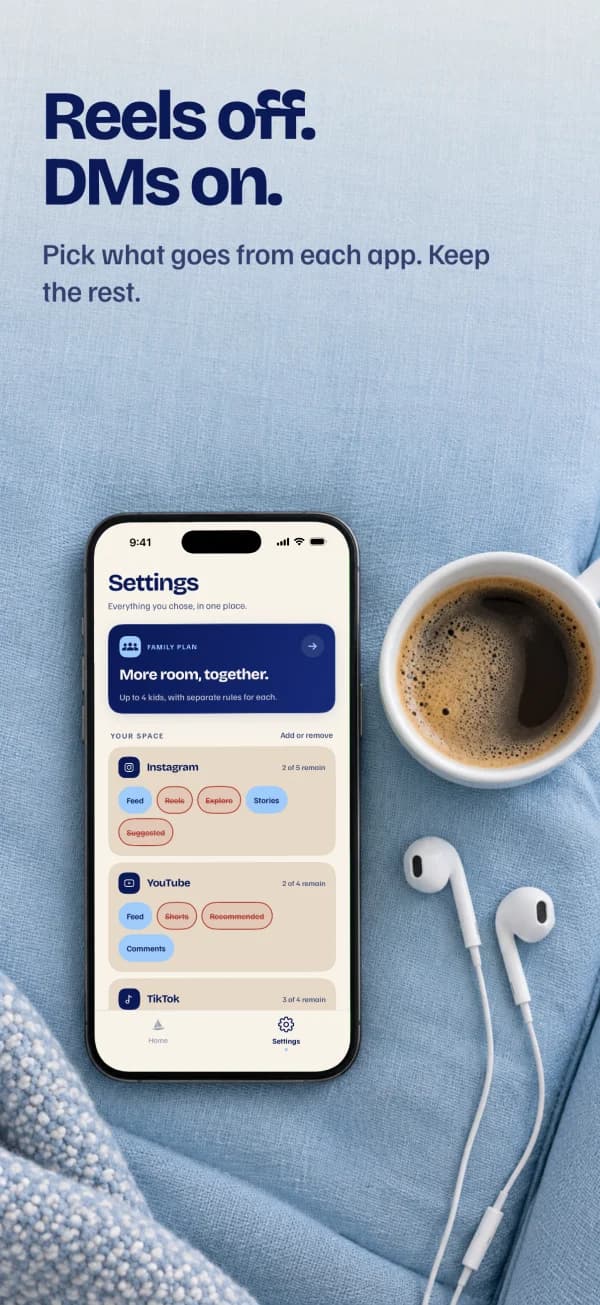
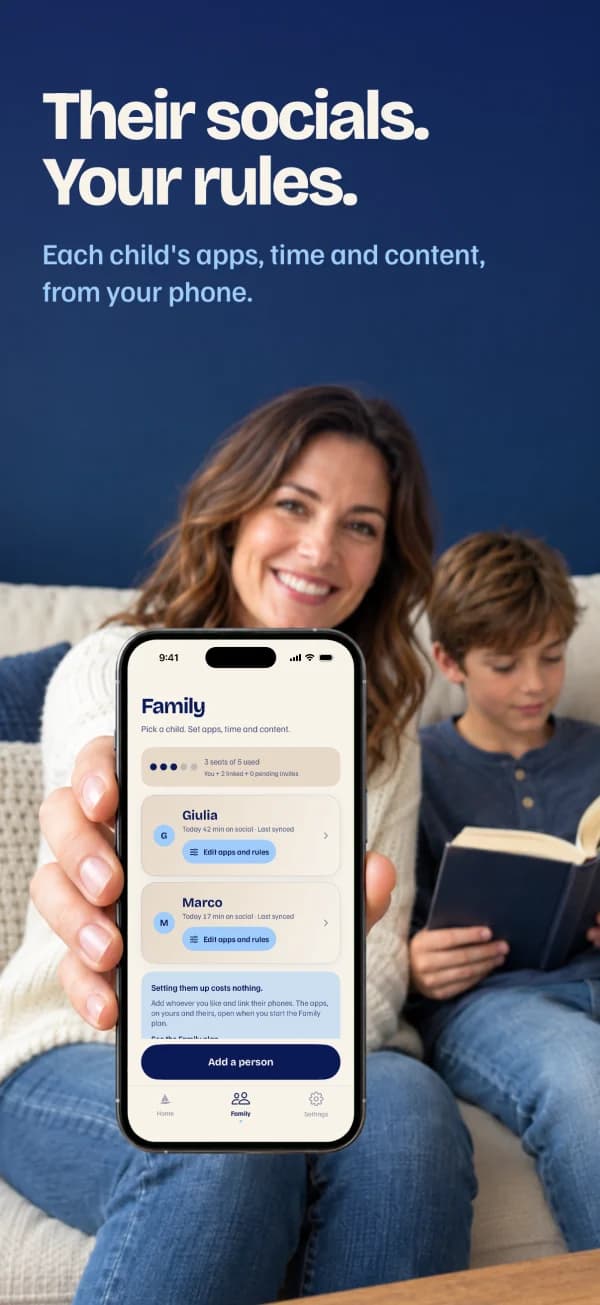
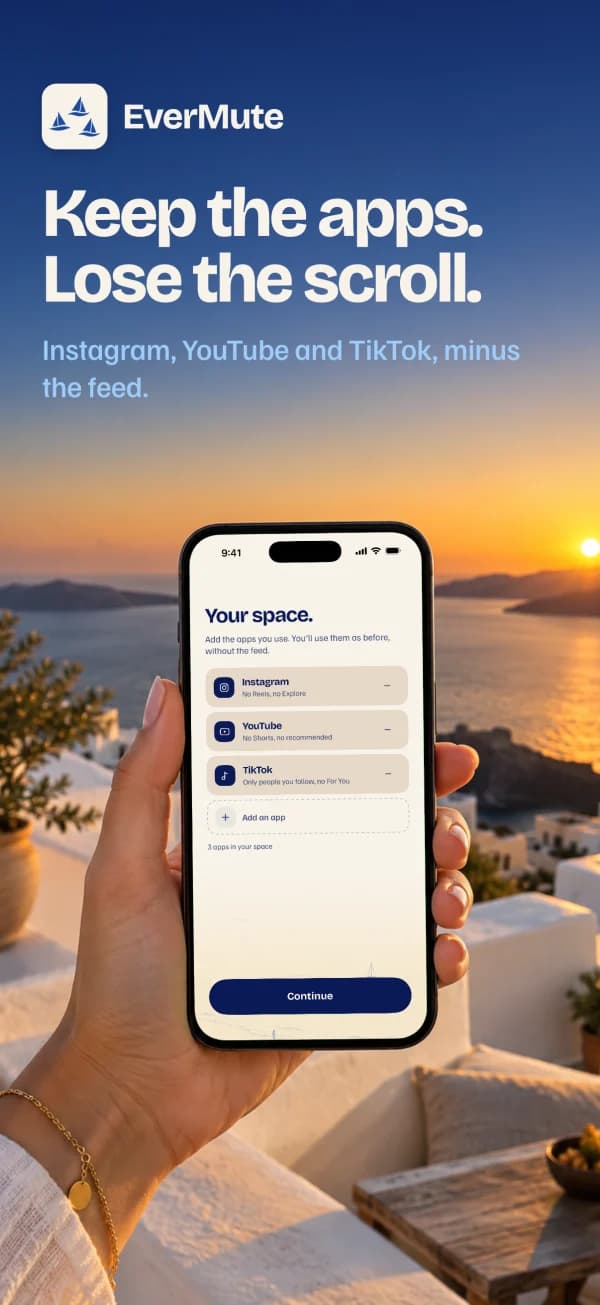
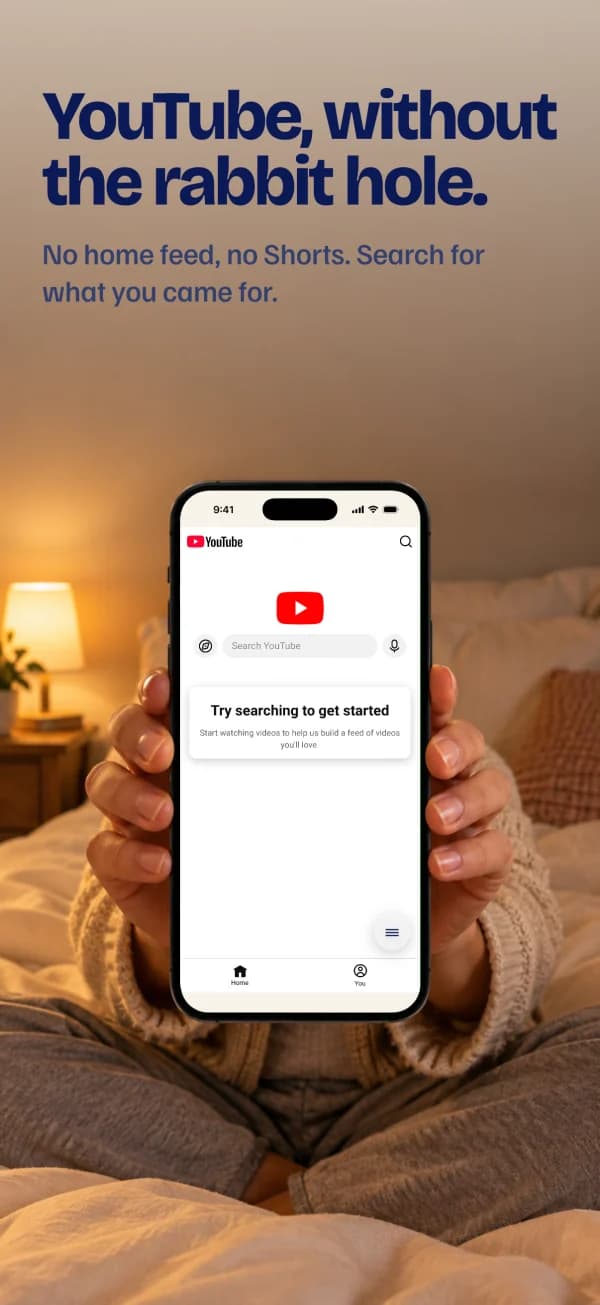
Real photos with your real app inside, at Apple's exact sizes. The kind the top apps pay a studio for.
Gets you found
A name, subtitle and keywords built from what people actually search, checked against Apple's rules.
Plans the launch
Posts, Product Hunt and a day-by-day plan. After launch, it tells you which ads to keep and fixes your onboarding.
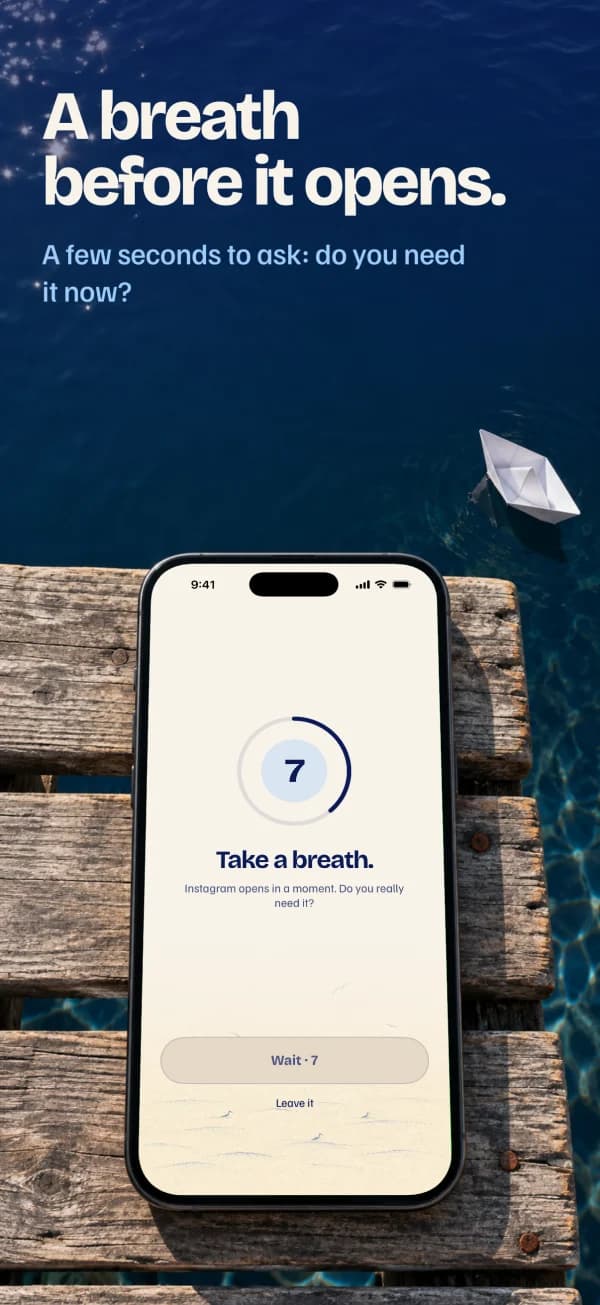
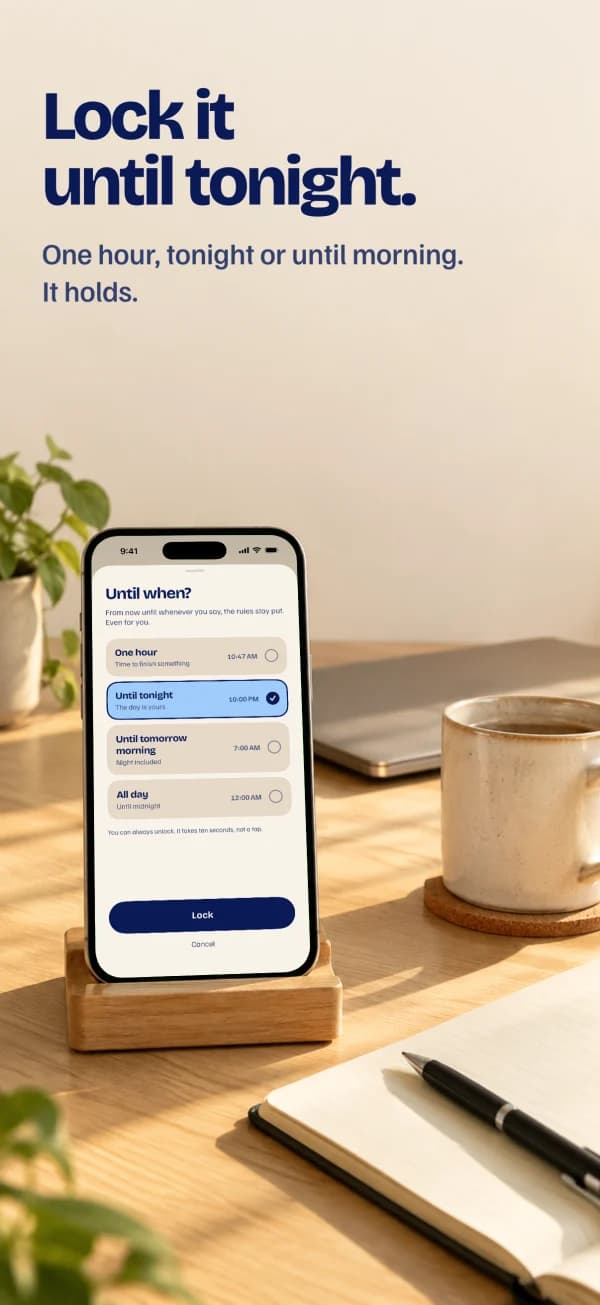
Screenshots that look like the top apps.
Made for EverMute. The photos come from an image model; every screen is the real app, dropped in exactly.
Put it in your app’s folder. Type run.
Works in Claude Code and Codex, on Mac and Linux, for Swift, Expo, React Native, Flutter and Capacitor apps. Everything it makes lands in one folder in your project.
Free. It arrives by email, or sign in to download it now.